
MirrorSay does not begin by asking you to choose a course. It starts with something you actually want to say, then turns that into a sentence you can hear, repeat and compare.
For your first session, forget the rest of the features. Complete one loop: speak → read the natural version → listen → shadow → hear yourself. The examples below use the current English interface; labels may change as the app evolves.
1. Hold the microphone and say one useful sentence
Open the app, hold the blue microphone, speak, and release. Try a short sentence you might use at work:
I very like this design because it save our time.
Do not read a dictionary example just because it feels safer. A real sentence gives you something worth keeping. On your first use, allow the microphone and speech-recognition permissions when iOS asks.
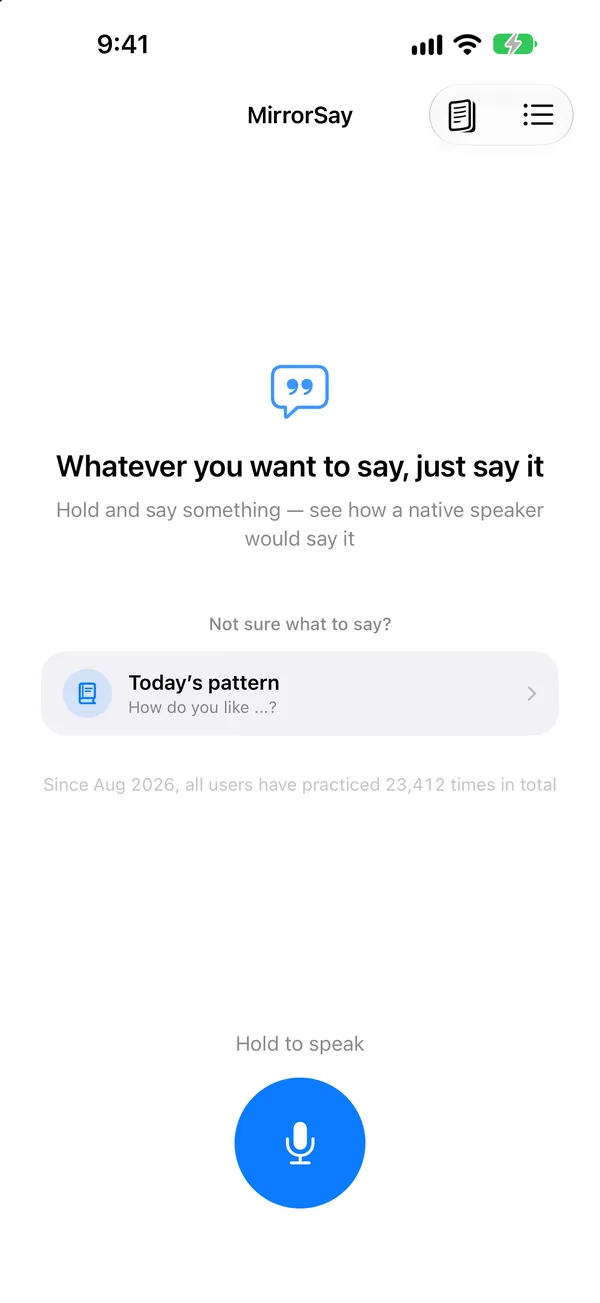
If the recognised words are not what you said, use the edit option in the result. In a noisy place, shorten the sentence and try again. Recognition trouble is not a pronunciation grade.
2. Compare your words with the natural version
The result keeps your original sentence and offers a version under the natural-expression label. In this example:
I really like this design because it saves us a lot of time.
*Really like* replaces *very like*, and *saves* agrees with the subject. Check the meaning before practising it. A natural rewrite is a suggestion, not the only correct way to express yourself. Your context, audience and intention still matter.
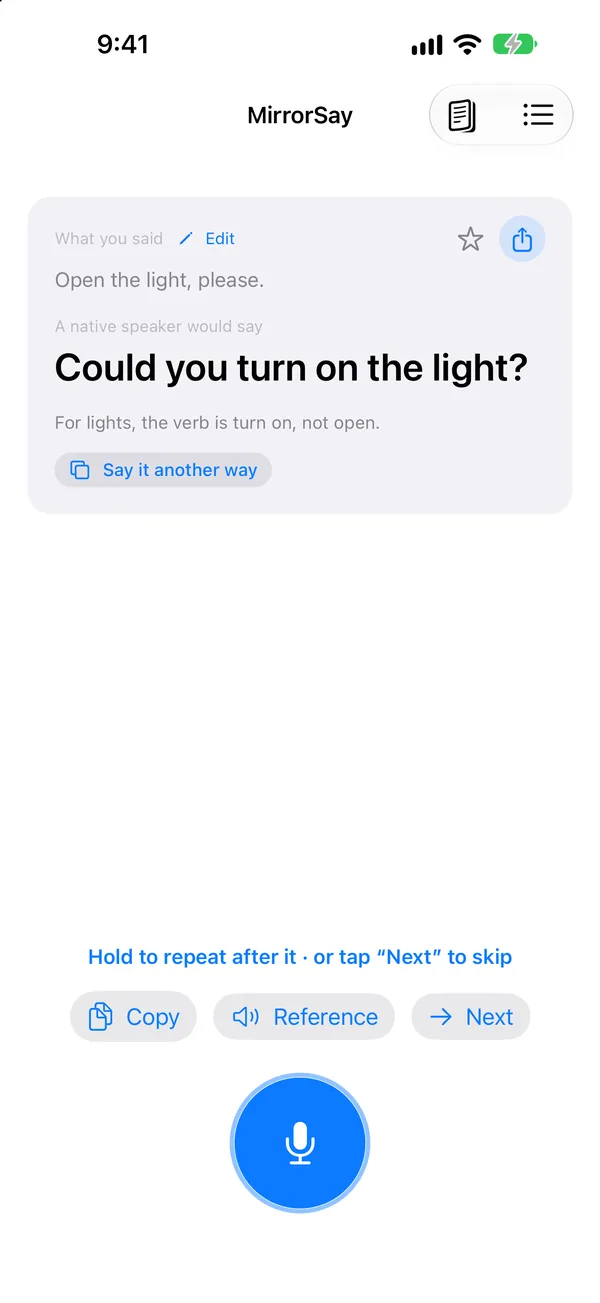
If you already have a fixed sentence from a textbook, script or exam, use Add your own sentence instead of free speech. That path preserves your chosen wording.
3. Listen, then shadow the new sentence
Play the reference audio. On the first listen, follow the meaning and overall sentence shape. On the second, notice which words stand out and which ones run together.
Now hold the microphone and say the natural version. You do not need to match its speed immediately. Break a long sentence into meaningful chunks, or use a slower reference speed if your version offers it. Return to a stable, communicative pace once the sentence is comfortable.
4. Use the comparison as a clue, not a verdict
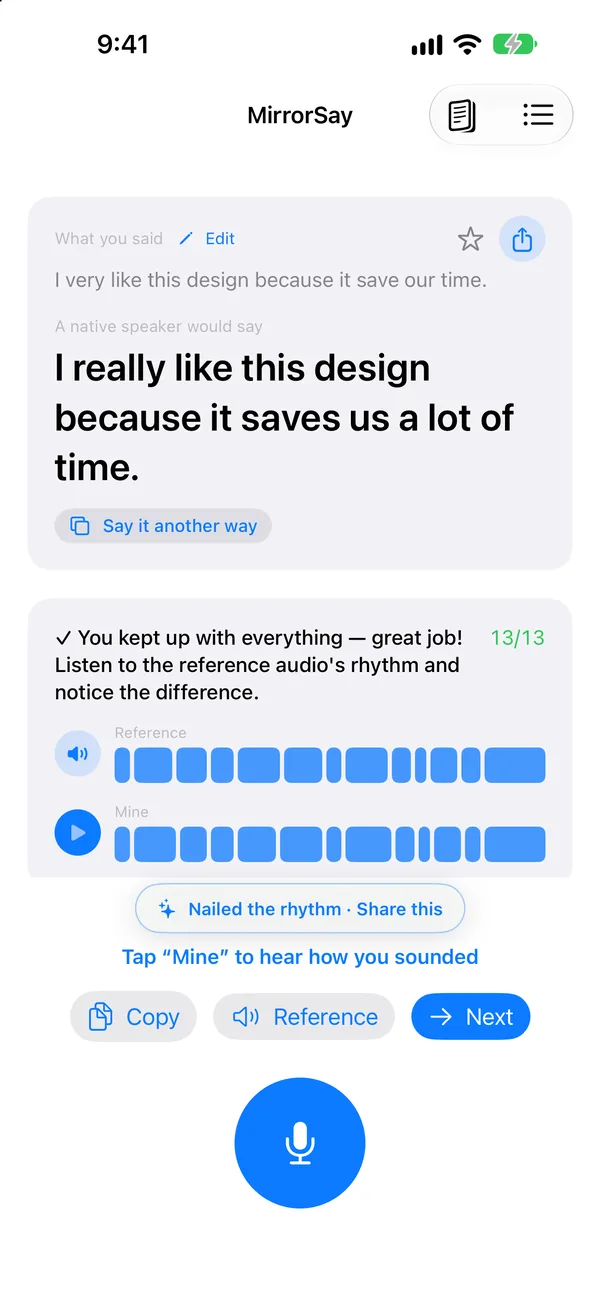
The card aligns your attempt with the reference, word by word. Look for a missing word, a long hesitation, or a rushed ending. Then replay your own recording and ask:
- Did the words carrying my main point come through?
- Did one difficult word make the rest of the sentence hurry?
- Do my stress and pauses help the listener?
This is a word-level timing comparison, not a phoneme-by-phoneme pronunciation score. It cannot certify every vowel or consonant. Targeted sounds need explicit guidance; MirrorSay helps you put them back into a whole sentence.
Stop after two more purposeful attempts
Repeat the loop twice. On the second attempt, fix one clear issue. On the third, try to speak without watching every word. Star the sentence if you want to return to it; twenty rushed sentences are not the goal.
Next, learn how to save a fixed sentence or read the shadowing and replay guide. For the learning rationale, see How to practise speaking alone.
FAQ
Can I start if my English is basic?
Start with one short sentence whose meaning you know. If you cannot improvise yet, use a daily pattern or add a short model sentence rather than forcing a long original response.
Must I sound exactly like a native speaker?
No. Aim for natural, understandable speech and a version you can use reliably. The rewrite is a suggestion, and the timing comparison is not an accent ranking.
What needs an internet connection?
The natural rewrite needs a connection. Speech recognition and reference audio use on-device processing where possible, and shadowing recordings stay on your device. Availability also depends on your system, language and network.